
 Goatlist
To-do lists that actually track progress.
Projects, broken into the steps the work really takes, planned into your week and ticked off one at a time.
No account needed. Everything lives in your browser and works offline.
- Edit the video
- Feedback round
- Submit to festivals
- Write the script
- Shoot
Tick something off — this one is real.
How a project gets done.


Write it down
Every project starts as a list. Get it out of your head and into one place.
Break it down
Open each task into the checklist of steps it really takes.
Plan it
Drag tasks into the week, so each one has a day it happens on.
Do it
Tick off the smallest steps one at a time, and watch the project move.
And next time it knows.
Because it saw how long that took, the next estimate is your own history instead of a guess.
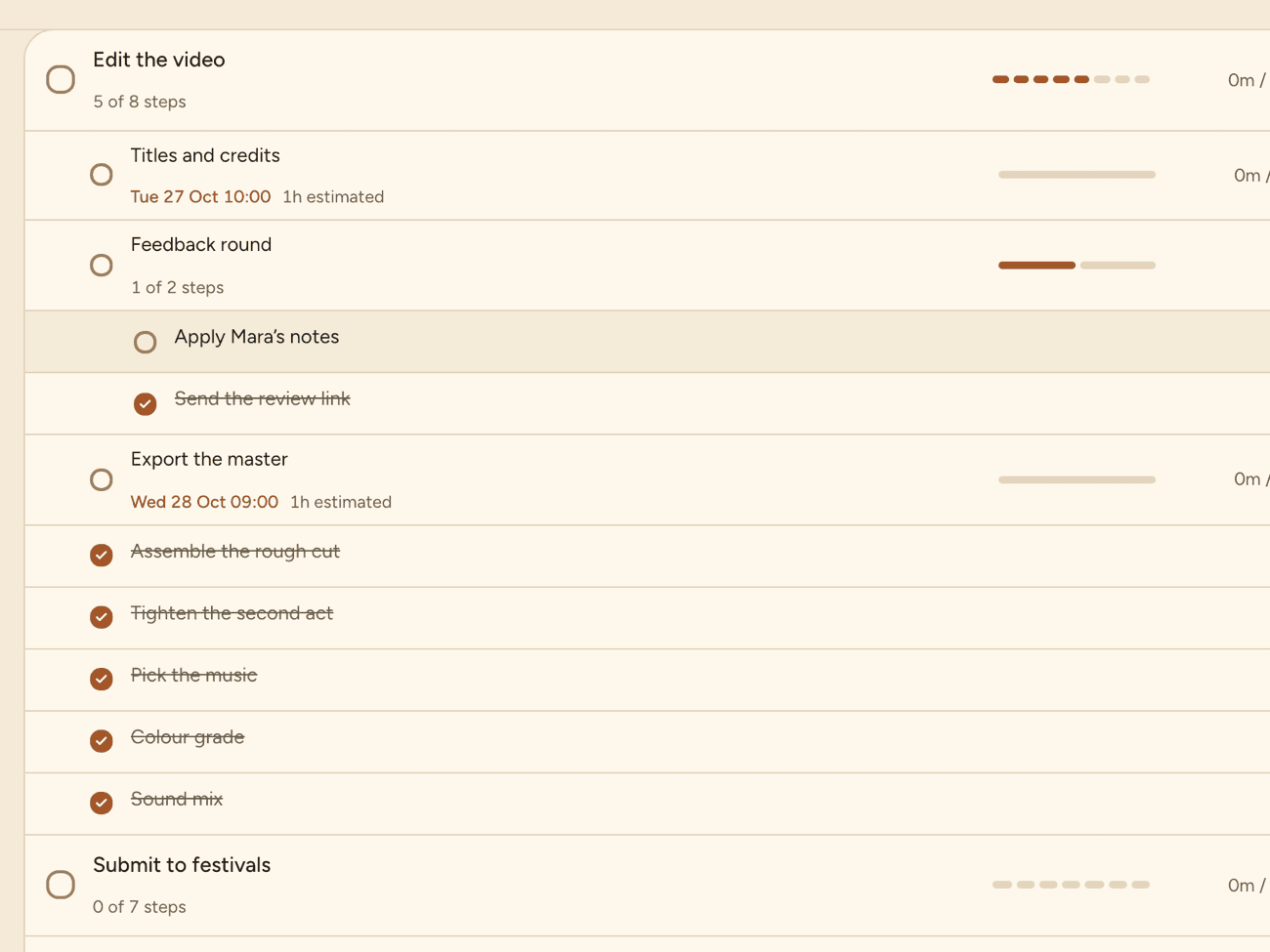
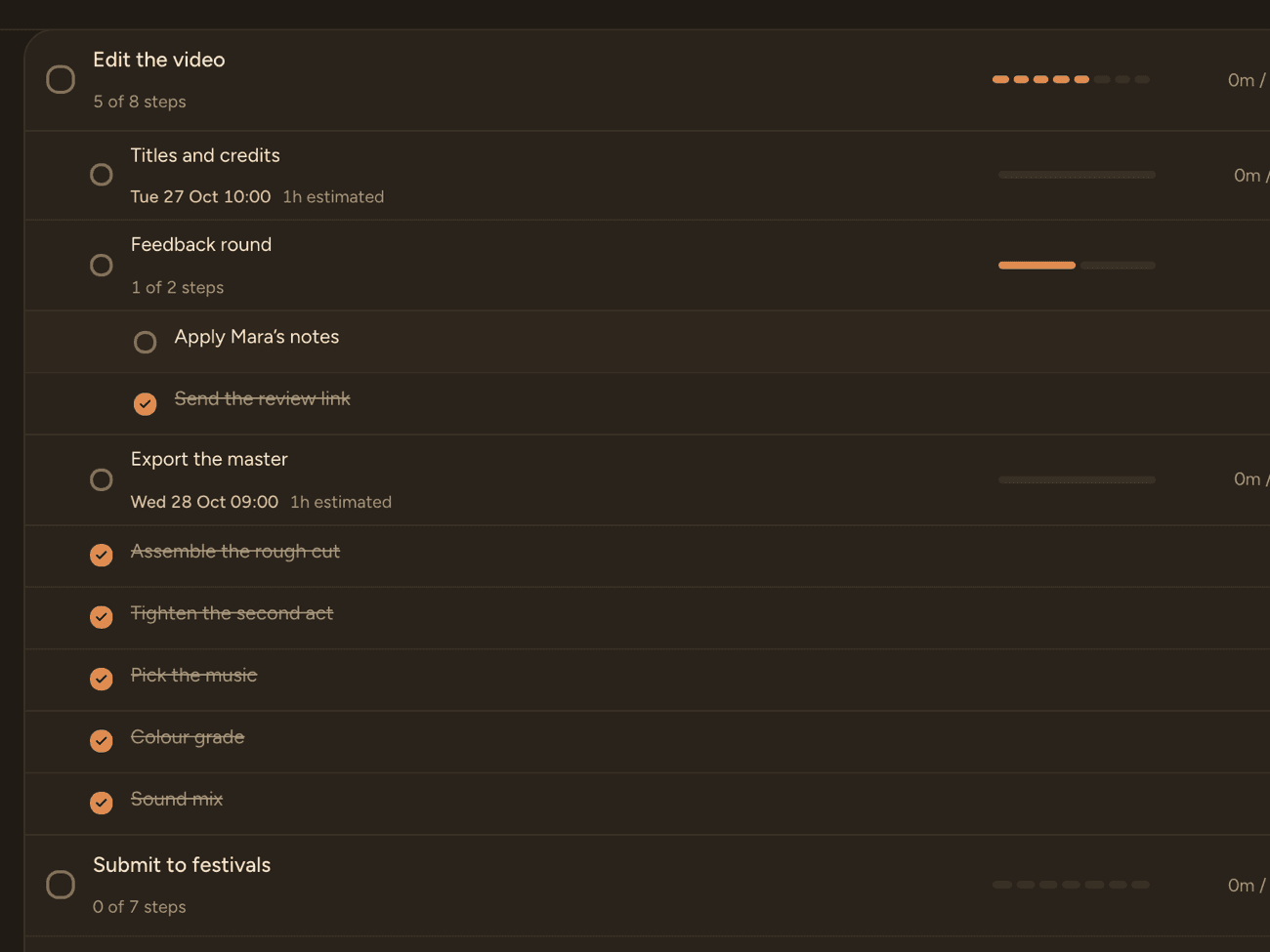
Work that nests as deep as it needs to.
“Edit the video” is really eight things; the list should be able to say so.
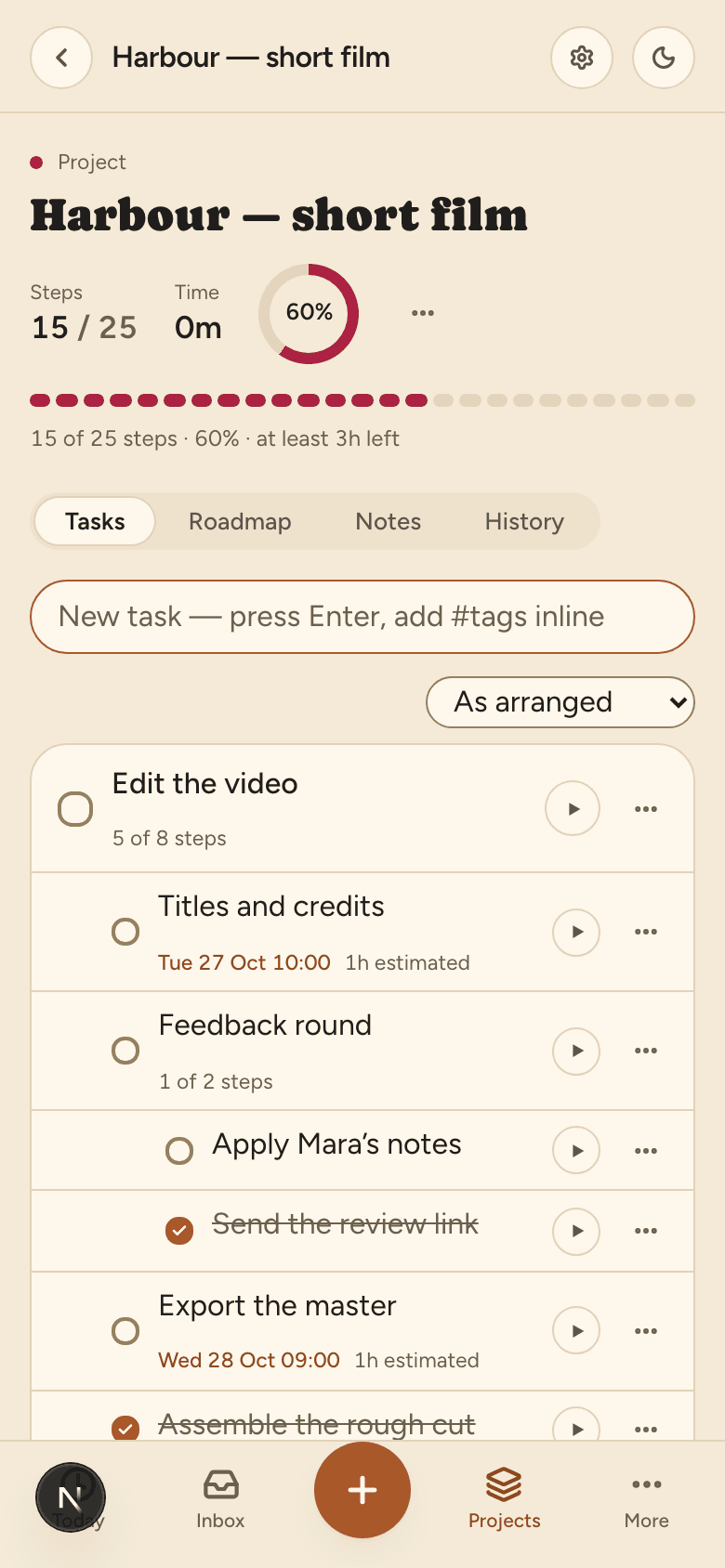
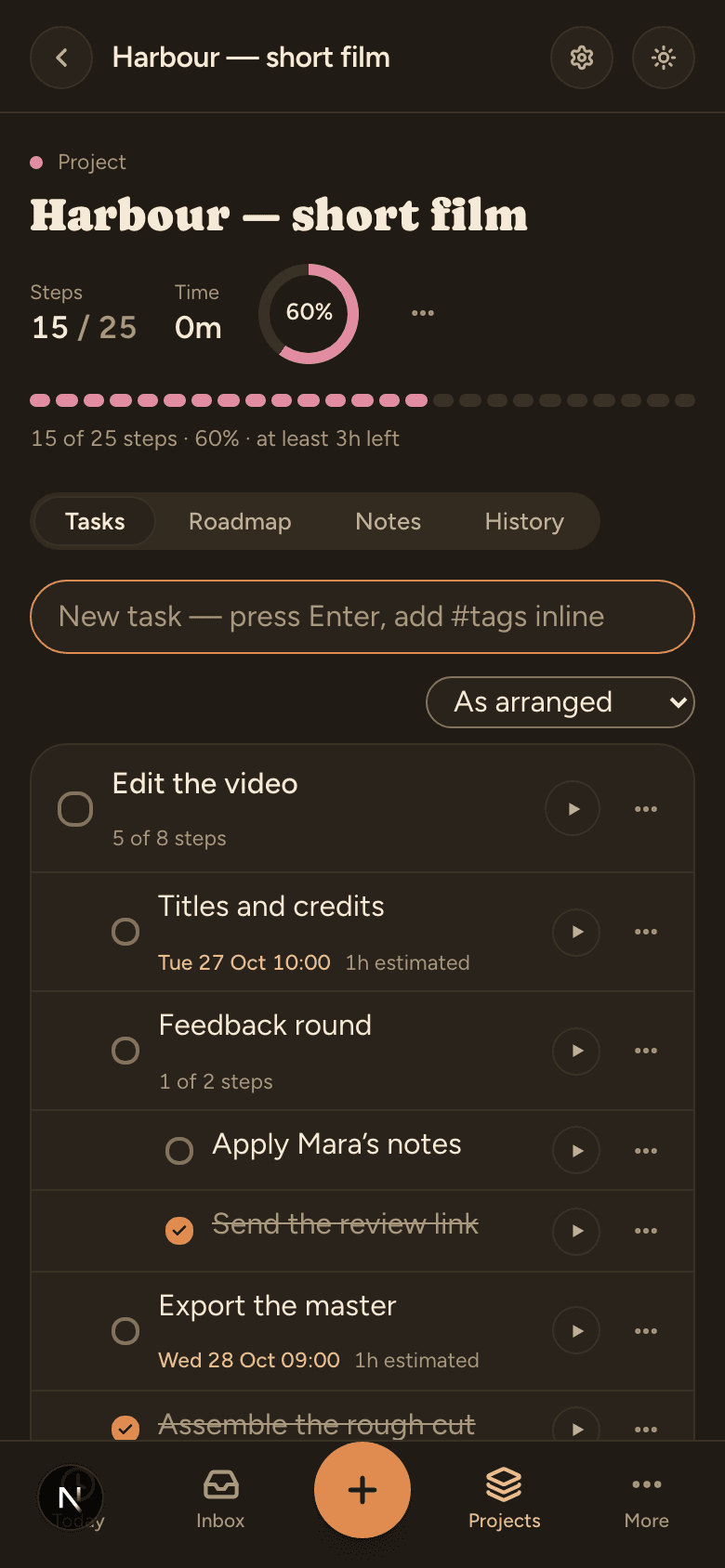
Progress you can trust.
It counts the smallest real steps, so a project at 60 % is actually 60 % done — not 60 % of the headings ticked.
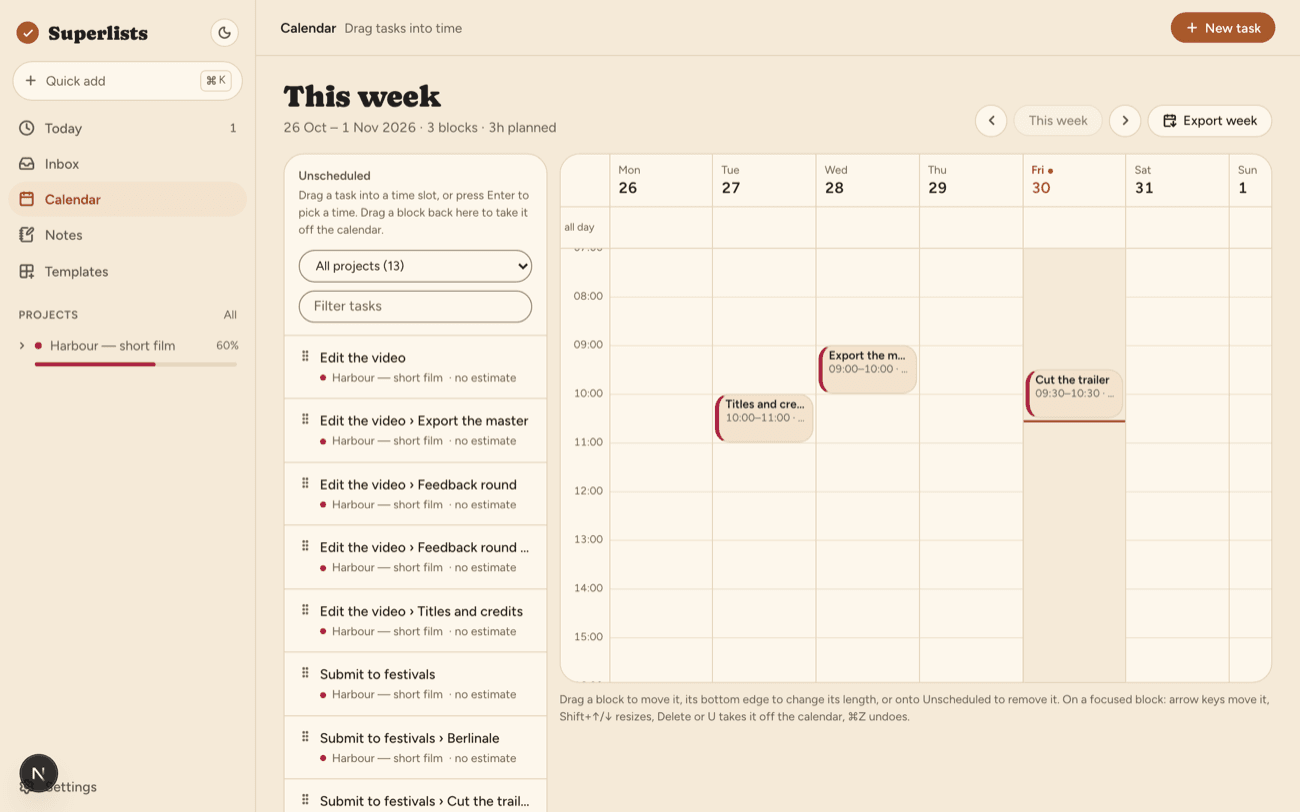
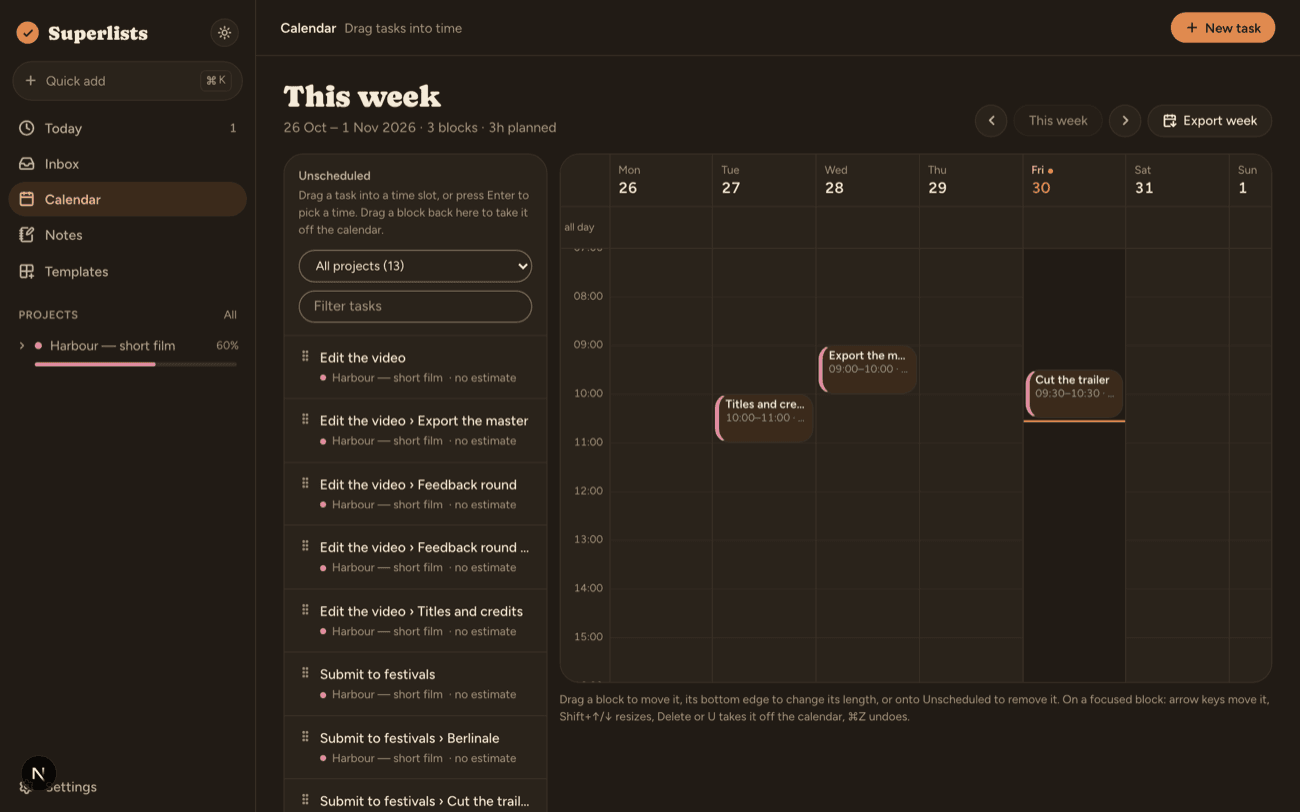
A week you can actually keep.
Plan into a calendar, and move the block when the day moves.
Yours, and only yours.
Goatlist is local-first. Everything you write lives in your browser’s own database. It installs like any other app and works completely offline.
No tracking, no cookies, no ads. Export everything in one click, delete it in another. Hosted in the EU.
Signing in is optional. It adds exactly one thing: sync between your devices.


It costs nothing, and there is nothing to sign up for.
No account needed. Everything lives in your browser and works offline.